
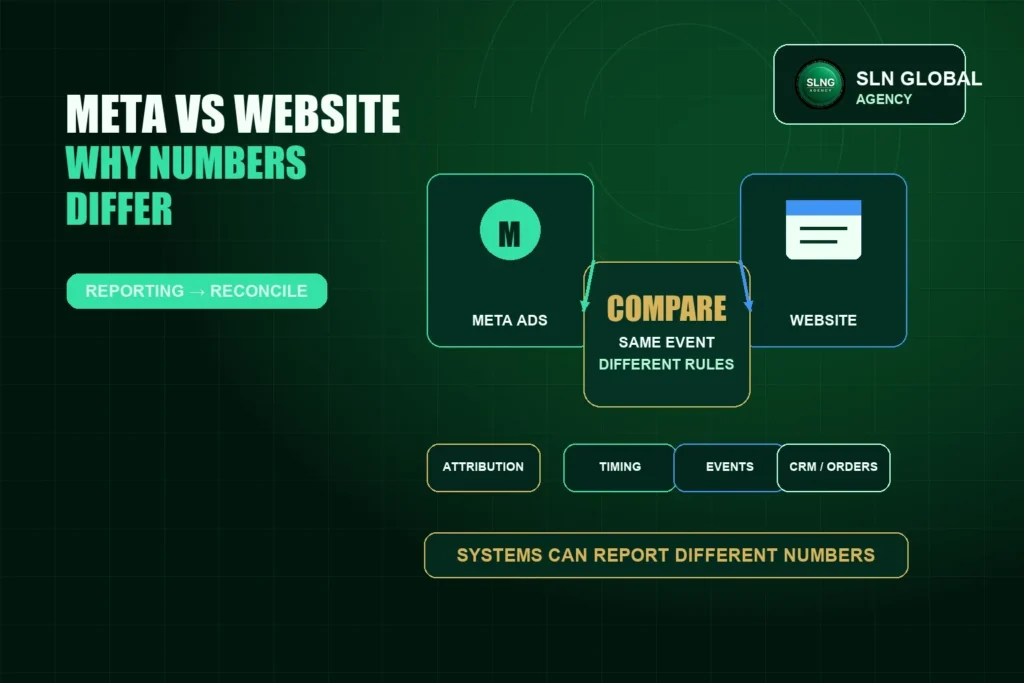
Meta Ads Manager, a website, a store, a CRM and an internal operations report may all show different numbers. That does not always mean something is broken. Often, each system is measuring a different event, using a different attribution rule or updating at a different time.
Direct answer
Meta and website numbers do not always match because they can measure different actions through different systems. Differences may come from attribution windows, browser and server tracking, consent limits, event setup, duplicate events, time zones, refunds, delayed reporting or manual operational records. The right question is: what exactly is each system measuring?
Meta-reported data
Meta-reported data is based on Meta’s advertising and attribution systems. It may include events that Meta attributes to an ad interaction within a selected reporting window. This data is useful for campaign analysis, but it is not the same thing as a complete business ledger.
Website or store data
Website or store data usually records what happened on the site or commerce platform. It may include purchases, form submissions, checkout actions, page views or button clicks. This data can still differ from Meta because attribution rules, tracking availability and event definitions may not be the same.
CRM and operational data
CRM and operational data can include lead status, calls, WhatsApp conversations, confirmed orders, cancelled orders, manual entries or internal fulfillment records. These records can be closer to the business process, but they may also depend on human updates and internal definitions.
Common reasons numbers differ
- Attribution windows: Meta may attribute a conversion to an ad interaction within a selected time window.
- Different conversion definitions: one system may count a form submission while another counts a confirmed customer.
- Browser and server tracking: Pixel and CAPI may send events through different paths.
- Consent and privacy limits: some user actions may not be fully measurable.
- Blocked or unavailable signals: browser settings, platform limits or technical issues can affect event capture.
- Duplicate events: the same action can be sent more than once if events are not configured properly.
- Deduplication issues: Pixel and CAPI events need signals that help identify when they represent the same action.
- Timezone and reporting windows: systems may group activity into different days.
- Refunds, cancellations or manual updates: operational records can change after an initial event is captured.
- Delayed reporting: some systems update after a delay.
Reconciliation is better than forced equality
The goal is not to force Meta, the website and internal records to show identical numbers in every report. The goal is to define each source, check whether tracking is working as intended and understand how the numbers should be interpreted together.
Example: evidence classification in a case study
In SLN Global Agency’s anonymized e-commerce case study, the evidence separates documented ad spend from operationally reported orders. The case records a 20–23 September 2026 evidence window, $1,009.56 in documented ad spend, 958 operationally reported orders and an approximate calculated ad spend per reported of $1.05.
Those 958 orders should not be described as Meta purchases or Meta-attributed purchases, and the approximate $1.05 figure should not be described as Meta Cost Per Purchase. It is a calculated metric based on the evidence categories available for that case.
How to investigate mismatched numbers
- Define what each system is measuring.
- Check the date range, time zone and reporting window.
- Review event names, event triggers and conversion definitions, including whether your Pixel and Conversions API setup is sending events as intended.
- Check Pixel and CAPI event deduplication where both are used.
- Compare platform data with website, CRM and operational records.
- Document known limitations before making optimization decisions.
Recommended next step
If your reports do not match, start by documenting the source of each number. Then review tracking setup, event definitions and operational reporting before assuming the campaign is broken. SLN Global Agency can help review tracking setup, reporting and evidence classification through its performance marketing system. You can also start with a free consultation.